 sign up
Set Up Your Property
Learn how to set up your property on Setli using either Quick Add or the full 3-step setup process.
1
Quick Add Property
Quick Add helps you set up your property faster by entering the main details, rooms, rent, and common bills in one simple flow.

2
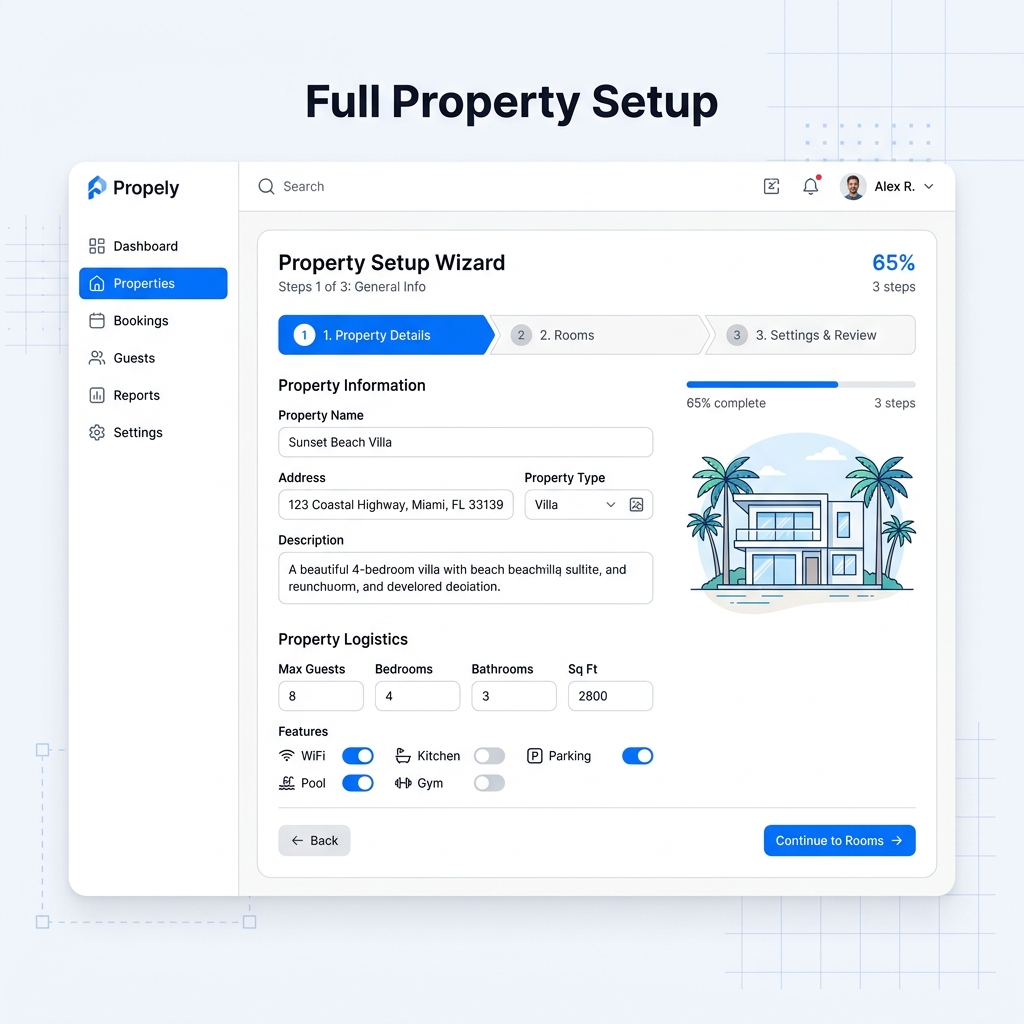
Full Property Setup
The full 3-step setup gives you more flexibility. You can add property details, set up rooms, confirm bills, and review your settings.
3
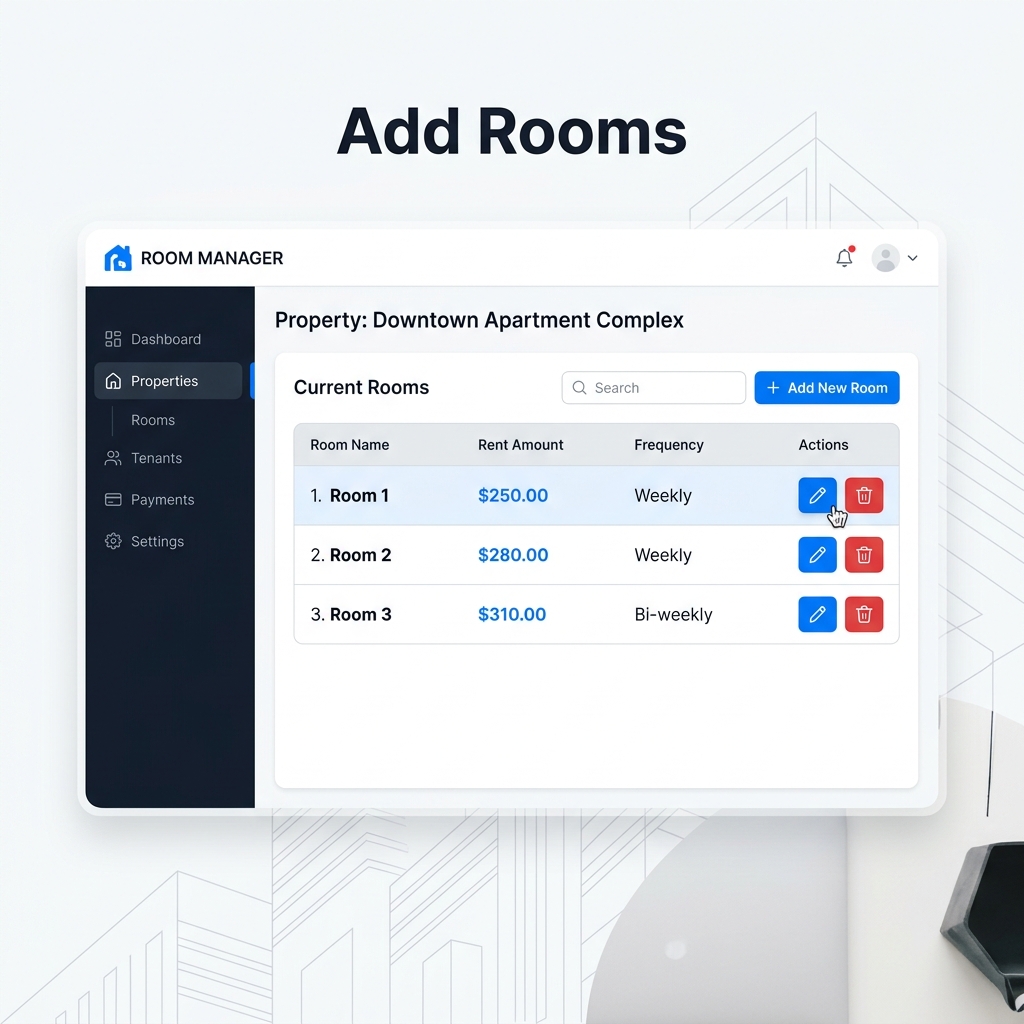
Add Rooms
Add each room to your property and assign rent amounts, payment frequency, and room details.
4
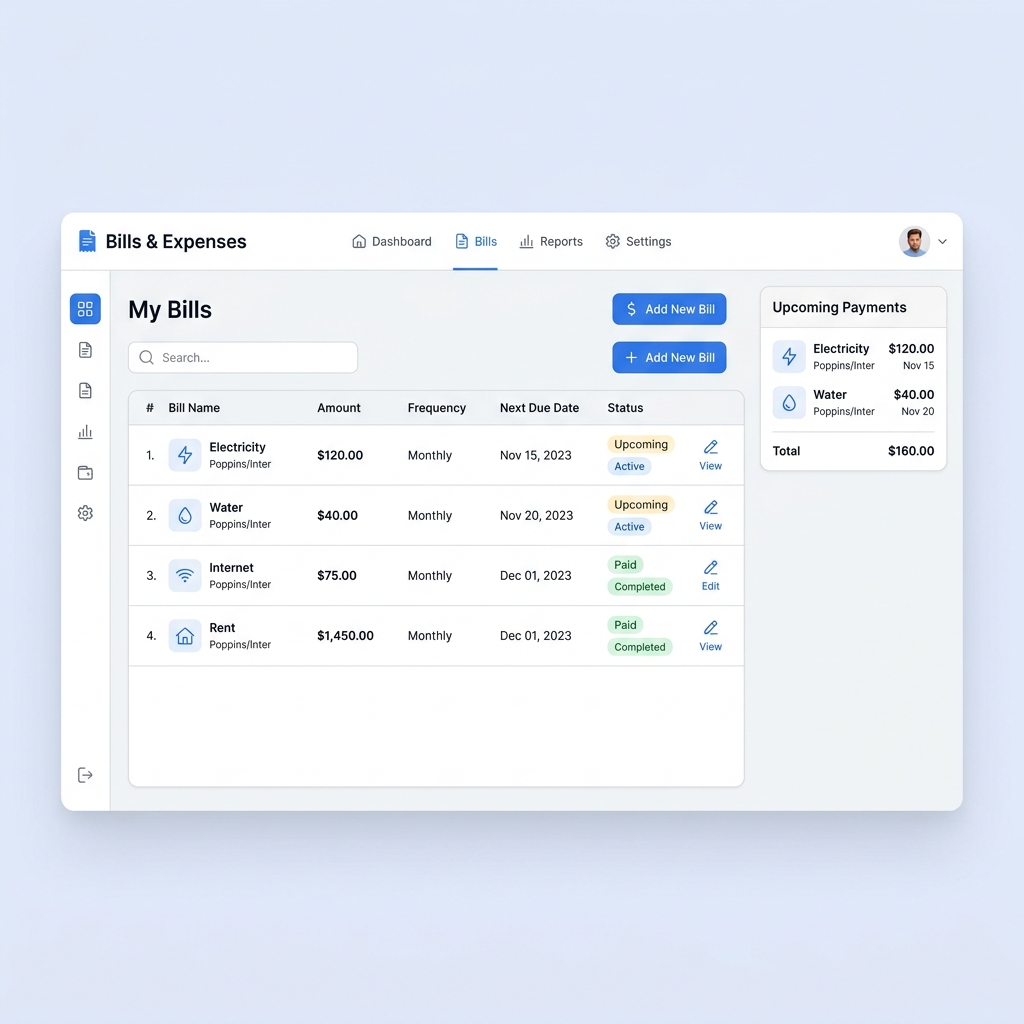
Add Bills and Expenses
Set up recurring bills, utilities, and one-off expenses to keep payments organized for each tenant.
5
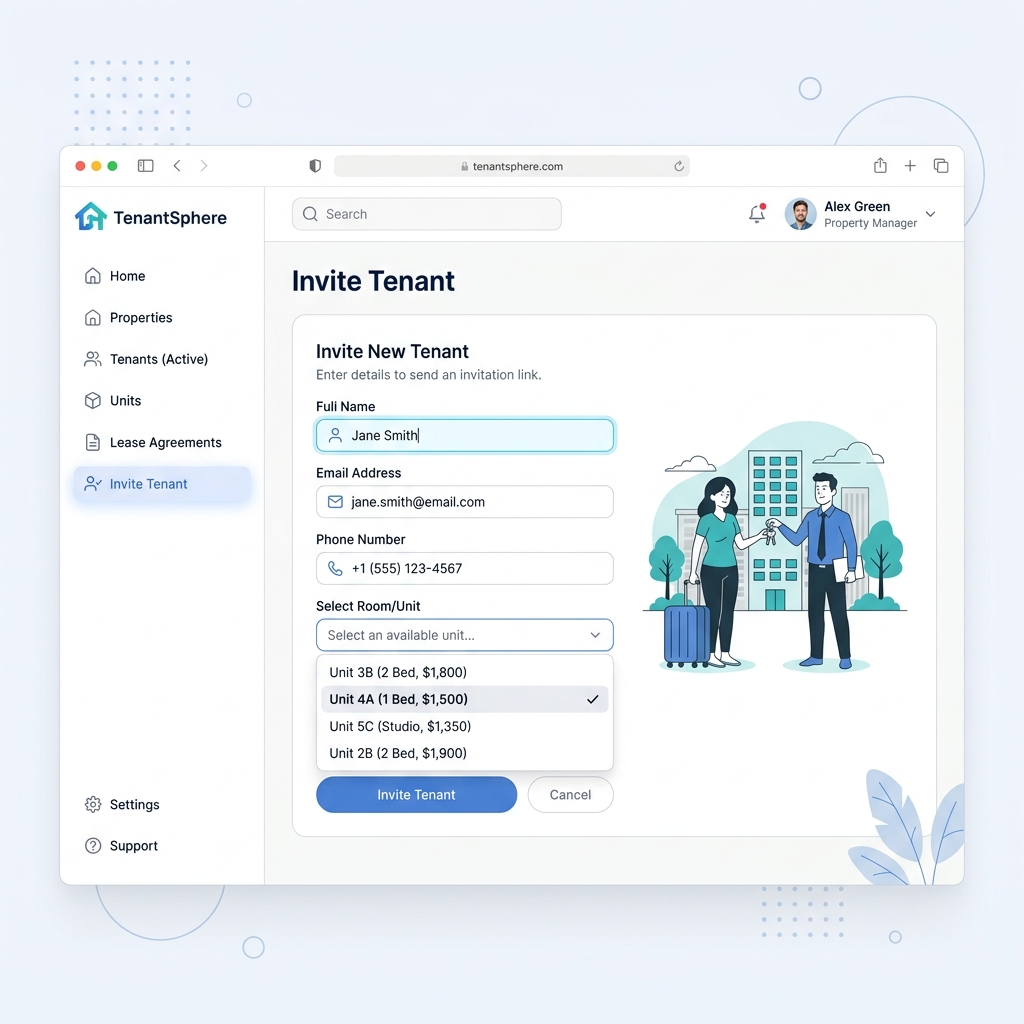
Invite Tenants
Once your property and rooms are ready, invite tenants by email or SMS to access their rent, bills, and payment history through Setli.